
Find the equal. Send the sheet. Win the spec.
When a spec names someone else’s glass, see the closest match from your line on the same published data, and send a branded spec sheet the architect can check.
From a named spec to a sent submittal
1. Equivalents
The closest match from every other maker
Open any glass and see the closest matches from every other manufacturer, ranked on measured properties, with the source of every number.
2. Compare
Side by side, same units, same method
Up to six glasses side by side in the same units and rating method. On Pro, turn it into a branded landscape comparison sheet.
3. Meet the spec
Every coated glass that meets it
Enter the U-factor, SHGC and light the spec calls for and see every coated glass in LBNL’s library that meets it in typical 1" and 1-1/8" units, each calculated.
4. Send it
Spec sheets and submittals
Save spec sheets with your logo (Basic), check a makeup against an architect’s project targets, and send it as a submittal.
What reps use every day
- Equivalents and compare across 80+ manufacturers in LBNL’s IGDB
- Spec sheets with your logo and a verification code anyone can scan (Basic and Pro)
- Submittals checked against the architect’s targets, calculated by GlassRef
- Share a makeup as a link with its drawing and numbers, no account needed to open it
- Measure openings with the iPhone camera for a takeoff by glass type (estimates, field-verify)
The library, equivalents, compare and every calculation are free. Companies pay for documents, branding and their team; see the plans on the home page.
Start in a minute
- Create a free account at app.glassref.com, or get the iPhone app.
- Name your company. You get 14 days of Pro, no card.
- Search a glass from the spec and tap Equivalents.
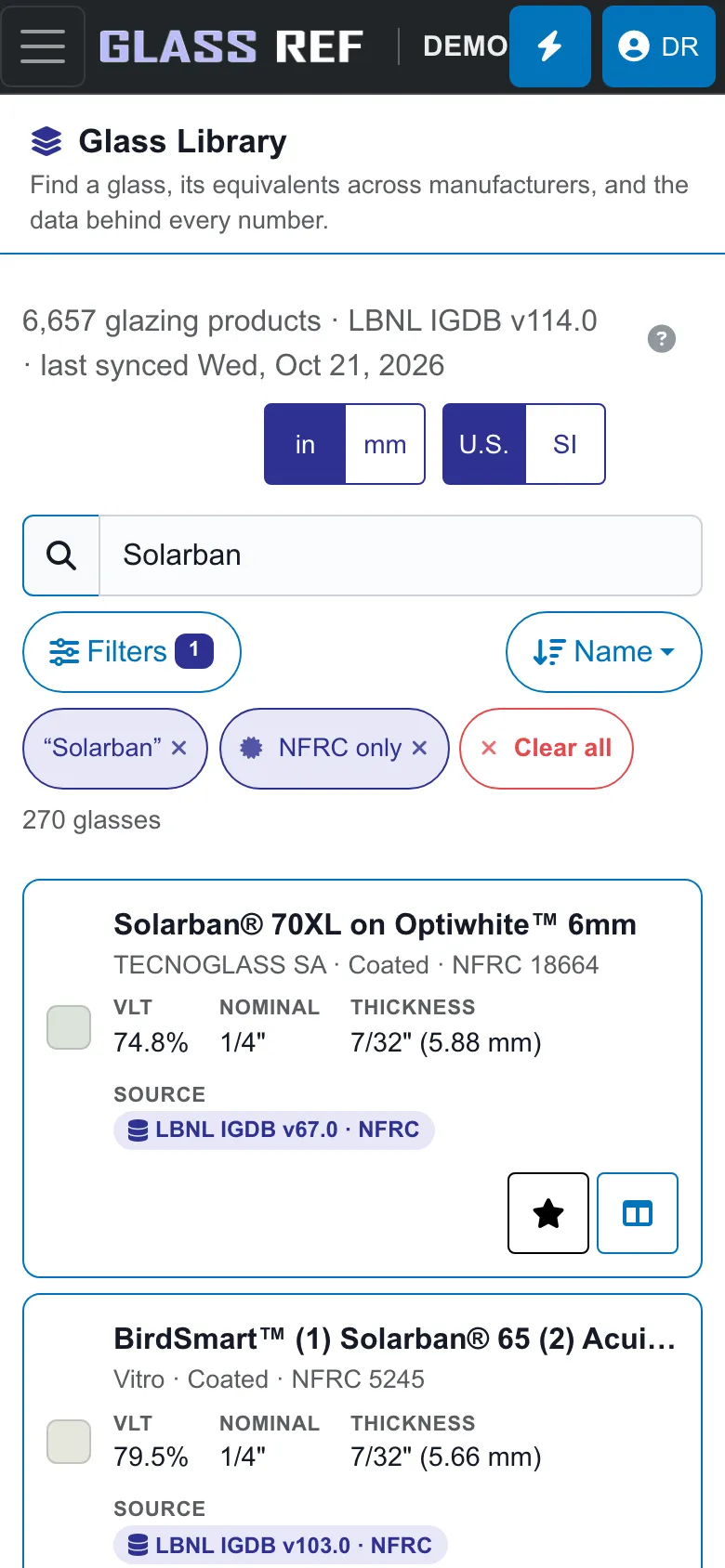
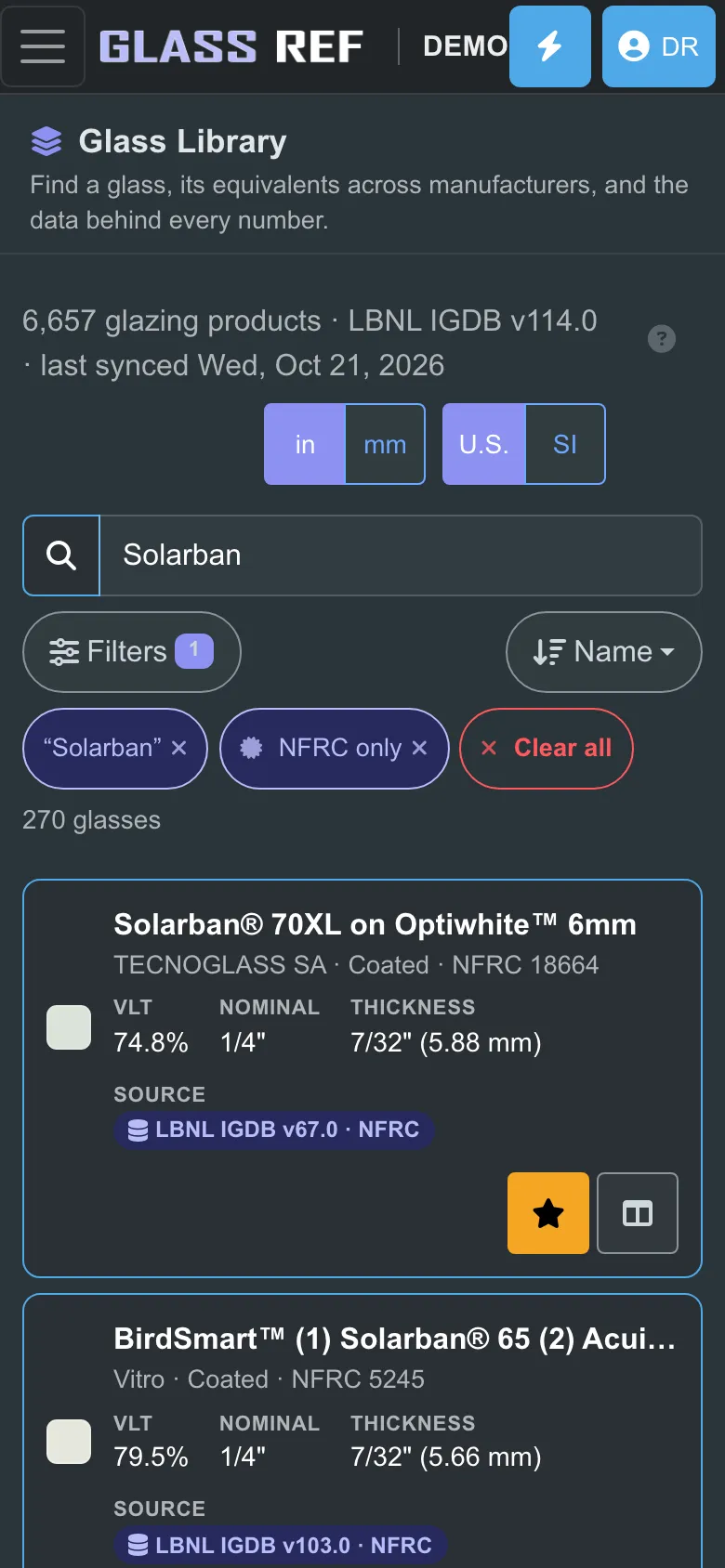
A real GlassRef screen.
Questions reps ask
How does GlassRef find an equivalent glass?
It ranks every other maker’s glass in LBNL’s International Glazing Database on measured properties such as visible light, solar performance and appearance, and shows the values side by side with their source. No manufacturer pays for placement or gets a boost.
Can I put my company’s logo on spec sheets?
Yes, on Basic and Pro. Free sheets carry a “Made with GlassRef” footer instead.
How do submittals to the architect work?
When an architect shares a GlassRef project link, you check one of your makeups against a glass type for free. On Basic or Pro you send it; GlassRef calculates it and the architect sees how it does against each target.
Where do the numbers come from?
Glass data comes from manufacturer submissions to LBNL’s IGDB. Makeup performance is calculated with LBNL’s Windows-CalcEngine, center-of-glass, NFRC 100/200. Every value names its source.
Does it work on my phone?
Yes. GlassRef is on the App Store for iPhone and iPad and runs in any browser on Android, Windows and Mac, with the same account everywhere.
GlassRef publishes reference data and shows where every number came from. It does not test, certify or approve products; product certification belongs to bodies such as NFRC, and the design professional of record signs off on what goes into a building. GlassRef is independent and not affiliated with LBNL or any manufacturer.