
Spec the glass. Check the bids. Free for architects.
Set what each glass type on your drawings must meet, see every glass from every maker that meets it, and let GlassRef check every makeup the bidders send back.
From glass type to checked submittal
1. Targets
Your glass types, with what each must meet
Start a project and add GL-1, GL-2 … with the U-factor, SHGC and visible light each must meet.
2. Every maker
Every coated glass that meets it
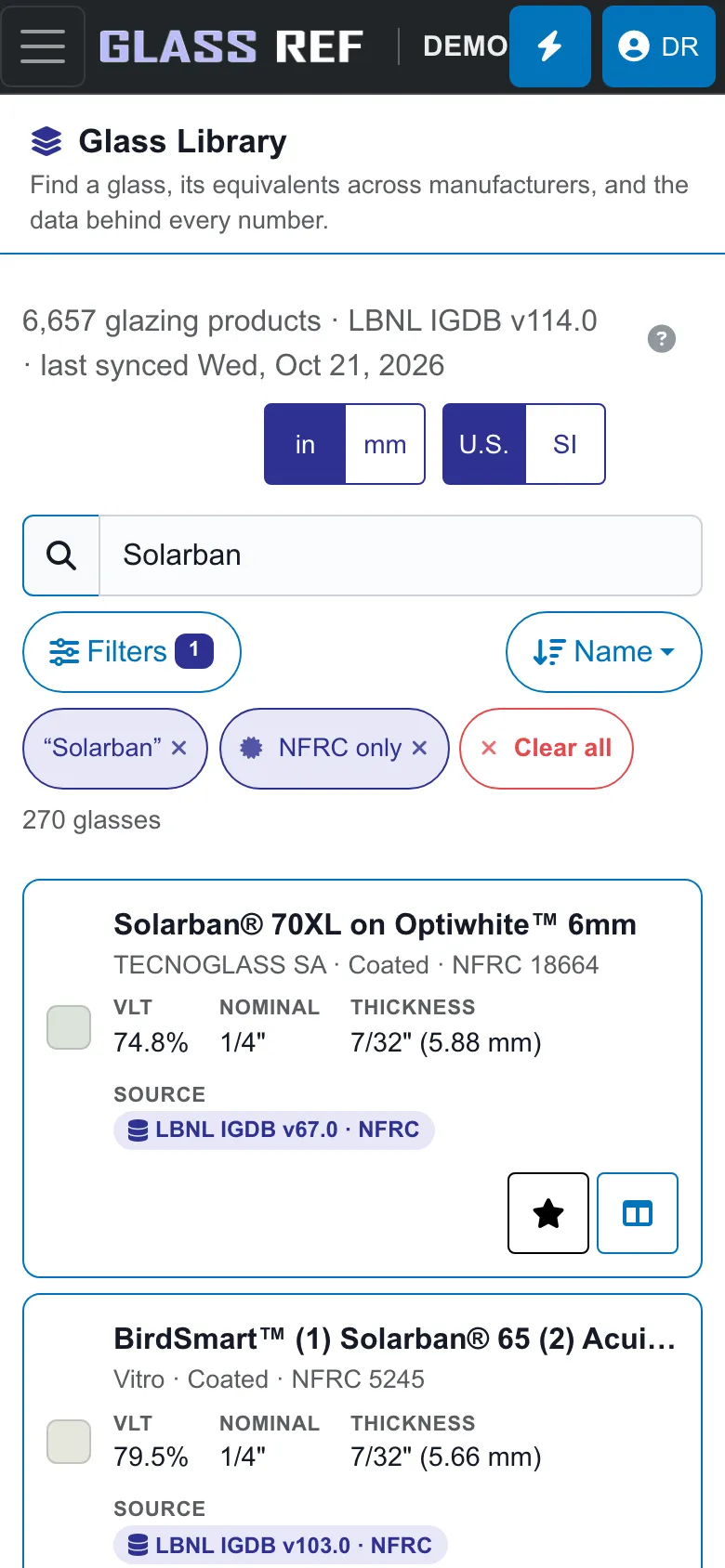
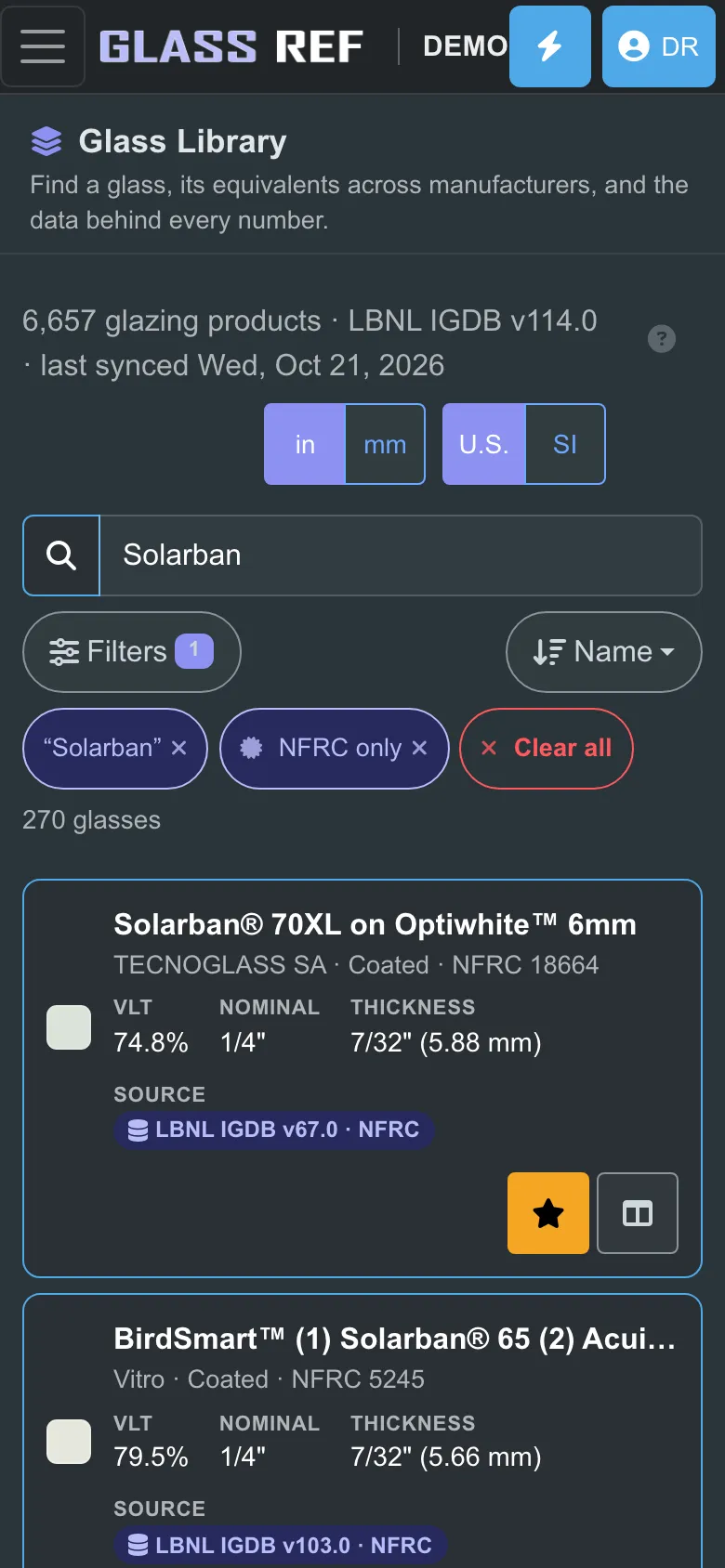
GlassRef lists every coated glass in LBNL’s library that meets each target, from every maker. Pick a basis of design and or-equals and see, value by value, that each one meets.
3. Bids
One link for the bidders
Send bidders one link. GlassRef checks every makeup they submit against your targets, calculated by GlassRef rather than taken from a data sheet.
4. Documents
Spec text and a schedule PDF
Get a draft of your 08 80 00 spec text and a glazing schedule PDF, with the data source and date on every sheet.
What’s free
- Unlimited saved makeups and spec sheets
- Every calculation, with LBNL’s engine
- Projects with glazing schedules, and submittals from the bidders
- The iPhone and iPad app, and the web app on any computer
Sheets say “Made with GlassRef — free for architects” (no logo). GlassRef Specifier is for architect and specifier firms and needs your firm’s email address. It is free for as long as we offer it; if that ever changes, we tell you at least 60 days ahead and you keep your work.
Turn it on in a minute
- Sign up with your firm email address.
- Open Plan and tap Set up GlassRef Specifier.
Questions architects ask
Is GlassRef really free for architects?
Yes. GlassRef Specifier is free for architect and specifier firms: unlimited saved makeups and spec sheets, every calculation, and projects with glazing schedules and bidder submittals. Sign up with your firm email address, then open Plan and tap Set up GlassRef Specifier.
How do I find an equal to the glass I specified?
Open the glass in GlassRef and see its equivalents from other manufacturers, compared on the same published data: visible light, U-factor, SHGC and more, with the source of every number. Or enter the values your spec calls for and see every coated glass that meets them.
How does GlassRef check a substitution request?
Send bidders your project link. Each makeup they submit is calculated by GlassRef with LBNL’s engine and checked against the targets you set for that glass type, value by value, so you are not relying on a data sheet the bidder chose.
Where does the performance data come from?
From manufacturer submissions to the International Glazing Database (IGDB), maintained by Lawrence Berkeley National Laboratory, plus values published by manufacturers. Every value says which it is. GlassRef is independent and not affiliated with LBNL or any manufacturer.
Does it write my glazing specification?
GlassRef drafts 08 80 00 spec text and a glazing schedule PDF from your project. You review and edit it; the design professional of record decides what goes into the documents.
Which rating method and units?
Every sheet states the rating method it was calculated to and its units, inch-pound or SI, so nobody compares numbers from different methods by mistake.
GlassRef publishes reference data and shows where every number came from. It does not test, certify or approve products; product certification belongs to bodies such as NFRC, and the design professional of record signs off on what goes into a building.